Tesla enthusiasts and Huawei users have every reason to celebrate today. The Tesla HarmonyOS app stable version has officially arrived in Huawei’s AppGallery, marking a major milestone in cross-platform vehicle connectivity. Version 4.55.5 (4193), weighing in at 281.2MB, delivers seamless native integration for HarmonyOS devices, promising smoother performance, enhanced reliability, and a host of smart features that elevate the driving experience to new heights.
This launch comes after months of successful beta testing that began in late 2025, where early adopters provided valuable feedback. Now available to all Huawei device owners running compatible HarmonyOS versions, the app represents Tesla’s strategic move to tap into China’s vast ecosystem of Huawei smartphones and wearables. No more workarounds or third-party solutions—owners can now enjoy a fully optimized, native Tesla experience directly from the AppGallery.

Why This Tesla HarmonyOS App Release Matters
In an era where electric vehicles and smart devices converge, native app support is no longer a luxury but a necessity. Tesla’s decision to develop a dedicated HarmonyOS version underscores its commitment to the Chinese market, where Huawei devices dominate. Users previously relied on Android-compatible apps or web versions, which often suffered from latency issues or limited functionality on HarmonyOS.
The stable release eliminates these pain points. Built specifically for Huawei’s ecosystem, it leverages HarmonyOS’s distributed capabilities for lightning-fast responses and deep system integration. Whether you’re behind the wheel of a Model 3, Model Y, or higher-end variants, the app transforms your Huawei phone into a powerful vehicle command center.
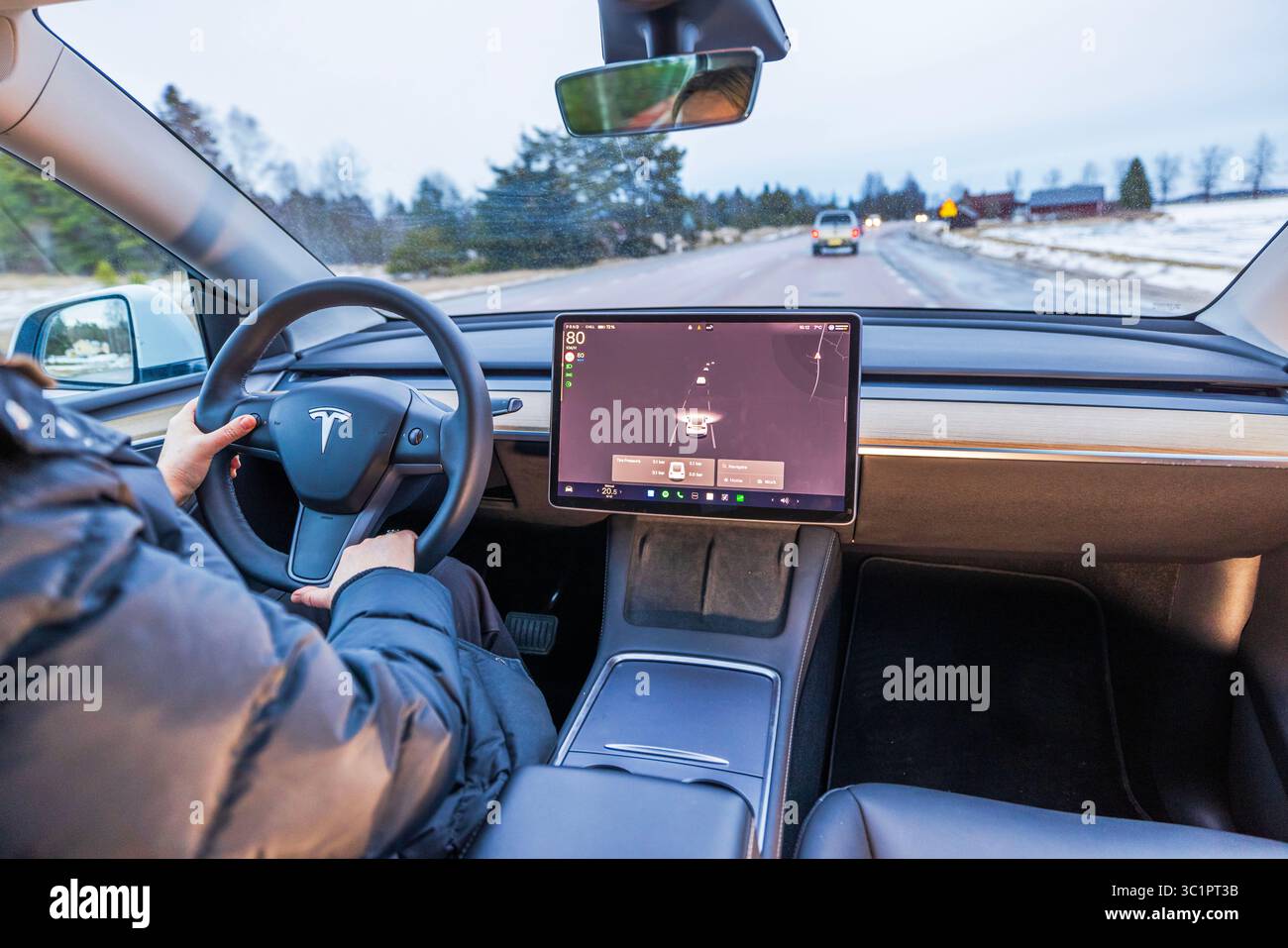
Key Features That Make the Tesla HarmonyOS App Stand Out
1. Ultra-Responsive Remote Vehicle Control with NearLink Technology
One of the most impressive additions is the integration of Huawei’s NearLink technology. This enables ultra-low latency connections—reportedly as low as 5%—for locking, unlocking, and other remote commands. Owners can now interact with their Tesla from greater distances with rock-solid reliability, even in challenging environments.
Imagine pre-cooling your car on a scorching summer day in Cape Town or warming it up during chilly mornings without any delays. The app supports real-time status updates, ensuring you’re always in control.
2. Advanced Phone Key and Digital Wallet Support
The stable version enhances phone-as-key functionality, allowing seamless entry and start without fumbling for physical keys. HarmonyOS users benefit from improved digital wallet integration, making access more secure and convenient than ever.
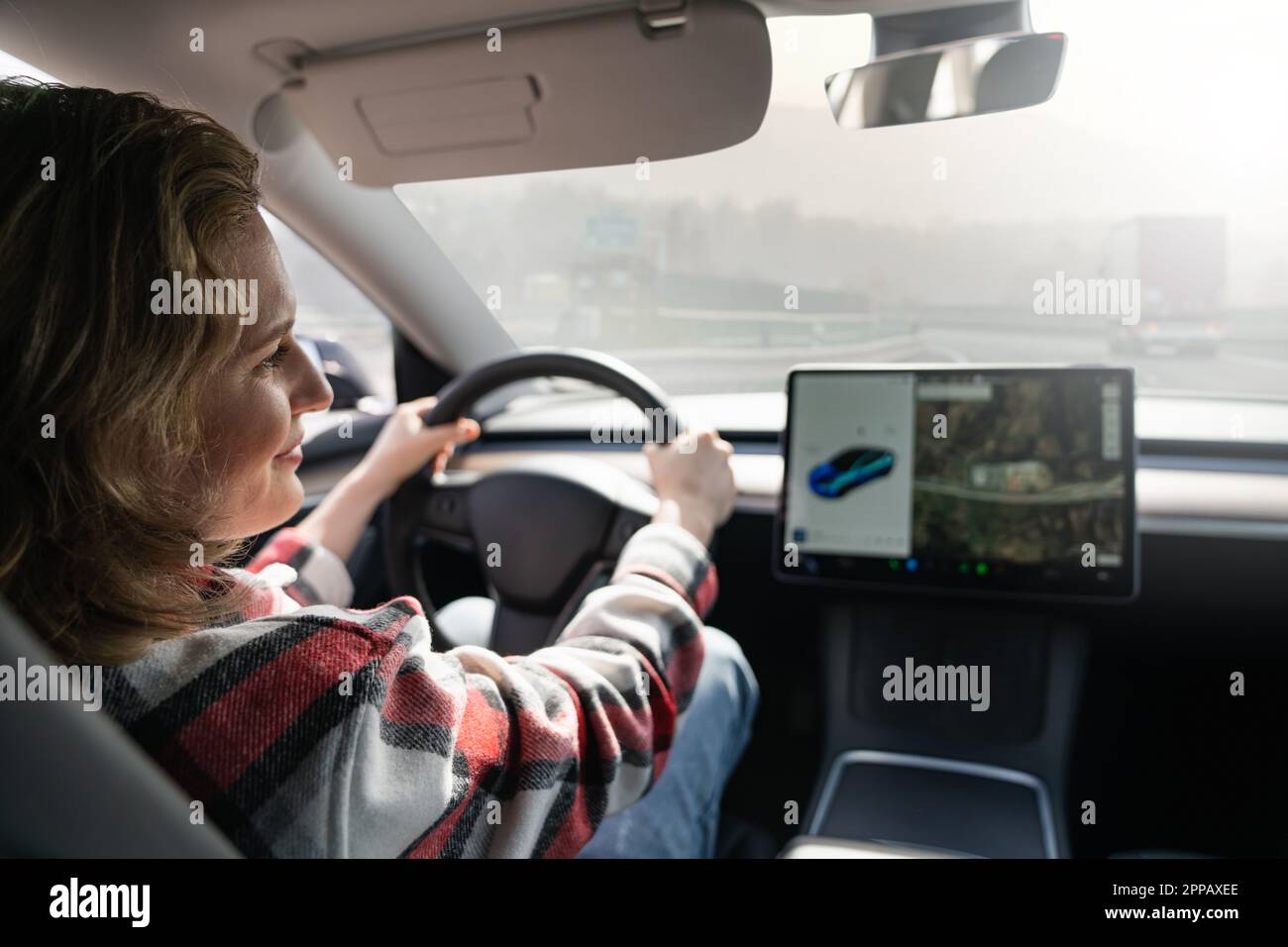
This feature shines in daily use—approach your Tesla, and it unlocks automatically. Combined with biometric authentication on Huawei devices, it adds an extra layer of security that Android users have long enjoyed, now perfectly tailored for HarmonyOS.
3. Comprehensive Climate and Charging Management
Stay comfortable and efficient with one-tap controls for cabin temperature, ventilation, and charging sessions. Monitor charging progress in real-time, start or stop sessions remotely, and receive smart notifications about optimal charging times.
For Tesla owners in regions with variable electricity tariffs, this capability can lead to significant cost savings. The app also supports preconditioning, ensuring your battery and cabin are ready when you are.
4. Media Control and Passenger-Friendly Features
Passengers gain quick access to media playback, volume adjustments, and entertainment settings. Whether streaming music or adjusting the panoramic sunroof, everyone in the vehicle can contribute to the experience without distracting the driver.

Additional conveniences include locating your parked Tesla by flashing lights or sounding the horn—ideal for busy parking lots—and software update management on the go.
5. Vehicle Tracking, Service Appointments, and More
Track your Tesla’s location, view its direction of travel, and schedule service appointments directly through the app. These tools provide peace of mind for fleet operators or families sharing vehicles.
The stable build also brings performance optimizations, reducing battery drain on the phone and improving overall responsiveness compared to beta versions.
How to Download and Install the Tesla HarmonyOS App
Getting started is straightforward:
- Open the Huawei AppGallery on your compatible device.
- Search for “Tesla” or browse the automotive category.
- Locate the official Tesla app (version 4.55.5 or newer).
- Tap Install and grant necessary permissions for vehicle connectivity.
- Log in with your Tesla account to pair your vehicle(s).
Ensure your Huawei phone runs the latest HarmonyOS for the best experience. The app supports multiple languages and global Tesla accounts, though some region-specific features may vary.
Benefits for Tesla Owners in South Africa and Beyond
While the initial focus targets the Chinese market, global Tesla owners with Huawei devices stand to gain immensely. In places like Cape Town, where Huawei phones are popular, this native app removes compatibility barriers and delivers a premium user experience.
Key advantages include:
- Enhanced Security: Native integration reduces vulnerabilities associated with emulated environments.
- Battery Efficiency: Optimized code means less drain on your phone during long trips.
- Seamless Ecosystem: Works beautifully with Huawei watches, tablets, and other devices for multi-screen control.
- Future-Proofing: As HarmonyOS evolves, expect even deeper integrations like AR navigation or voice assistant enhancements.
Comparison with Other Platforms
Compared to the standard Android and iOS apps, the HarmonyOS version offers superior performance on Huawei hardware. It avoids the overhead of compatibility layers, resulting in faster load times and more reliable background operations—critical for features like sentry mode notifications or remote climate control.

Tesla continues to expand its multi-platform strategy, but this HarmonyOS release highlights the importance of adapting to dominant regional ecosystems.
User Feedback and Early Impressions
Early reports from users who transitioned from beta to stable praise the improved stability and new features. Many highlight the NearLink connectivity as a standout, noting near-instantaneous responses even at range.
Community discussions on platforms like X (formerly Twitter) and Huawei forums reflect excitement, with owners sharing screenshots of successful pairings and smooth daily usage.
Future Outlook for Tesla and HarmonyOS Integration
This stable launch paves the way for deeper collaborations. As HarmonyOS continues its global expansion, Tesla may introduce more advanced features, such as enhanced autonomous driving controls or integration with Huawei’s smart home ecosystem.
For Tesla, partnering with major platforms like Huawei strengthens its position in competitive markets. For users, it means more choices and better technology experiences.
Conclusion: A Game-Changer for Smart Mobility
The arrival of the Tesla HarmonyOS app stable version in AppGallery is more than just an app update—it’s a testament to innovation in connected vehicles. With powerful features, native optimization, and user-centric design, it sets a new standard for what EV apps should deliver.
Tesla owners using Huawei devices should download it immediately to unlock these capabilities. As the lines between cars and smartphones blur further, integrations like this will define the future of mobility.
Whether you’re a daily commuter in Cape Town, a tech enthusiast, or simply someone who values convenience, this release brings tangible improvements to your Tesla ownership journey. Stay tuned for more updates as Tesla and Huawei potentially expand this partnership even further.
Discover more from TECH-BRUNCH
Subscribe to get the latest posts sent to your email.
Greetings from Ohio! I’m bored to death at work so I decided
to browse your blog on my iphone during lunch break.
I enjoy the information you present here and can’t wait
to take a look when I get home. I’m surprised at how quick your blog
loaded on my cell phone .. I’m not even using WIFI, just
3G .. Anyways, good blog!
Thank you, much appreciated.