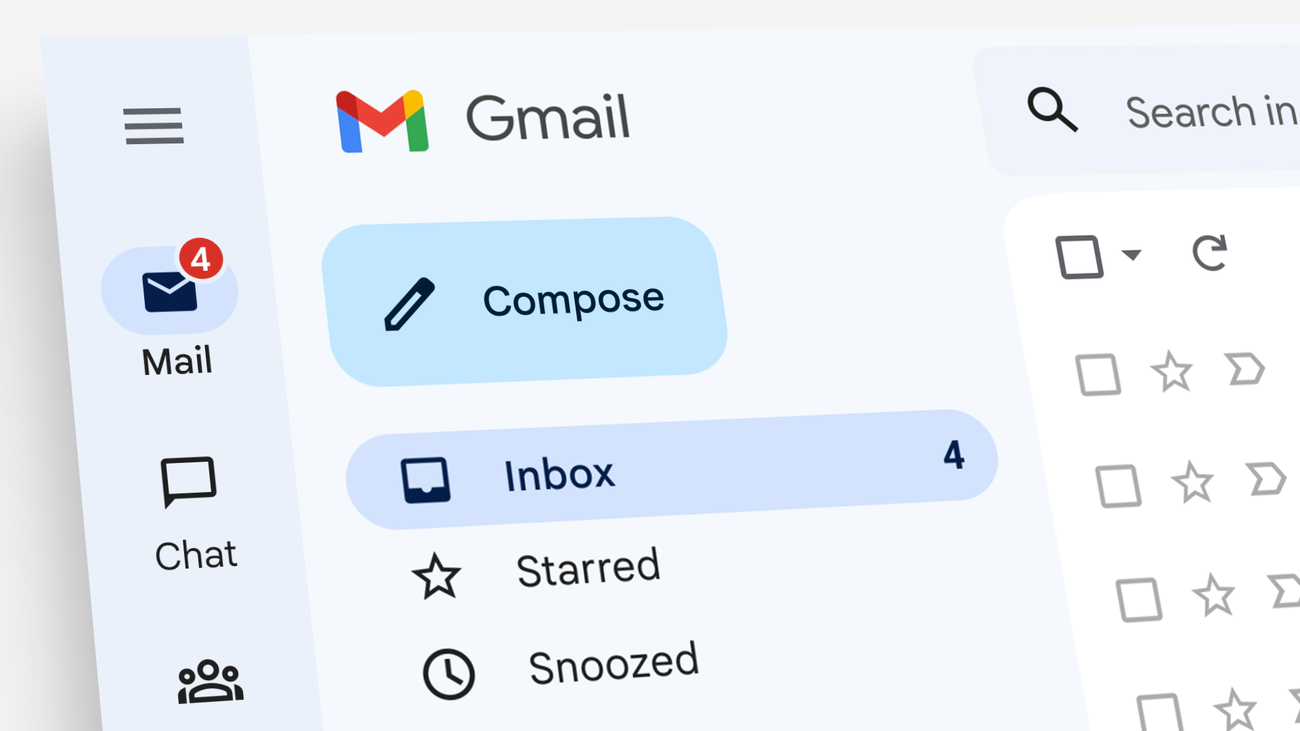
In a long-awaited update that delights millions of users worldwide, Google has rolled out a game-changing feature allowing Gmail account holders to modify their @gmail.com email addresses while preserving every email, file, photo, and service linked to the account. This transformative capability ends two decades of frustration for those stuck with outdated or embarrassing usernames, marking one of the most user-friendly enhancements in Gmail’s 22-year history.
The rollout, now widely available to all Google Account users in the United States as of late March 2026, lets individuals update their primary username seamlessly. The old address automatically becomes a permanent alias, ensuring uninterrupted access and delivery without any data migration headaches.
The End of an Era: Why Gmail Address Changes Were Long Overdue
For more than 20 years, Gmail users faced a stark choice when they wanted a fresh email identity. They could either live with a youthful or regrettable username forever or create an entirely new account and manually transfer years of accumulated data—a tedious, error-prone process that often resulted in lost subscriptions, calendar invites, and purchase histories.
This limitation became increasingly problematic as Gmail evolved into the central hub for digital lives. Professional networking, online banking, streaming services, and countless apps rely on stable email addresses. Changing one previously meant weeks of updating contacts and risking missed communications.
Google’s new feature addresses these pain points head-on. Users can now refresh their digital identity while keeping everything intact, reflecting the company’s commitment to evolving with user needs in an era where personal branding and privacy matter more than ever.
How the New Gmail Address Change Feature Works
The process is remarkably straightforward and designed for minimal disruption. When you change your Google Account email ending in @gmail.com, the system renames the primary address while converting the original into an alias. Emails sent to either address land in the same inbox, and sign-ins work with both.
Key details include:
- All existing data—emails, Google Drive files, Photos libraries, YouTube history, Play Store purchases, and more—remains fully accessible.
- No manual forwarding or data transfer is required.
- The old address continues receiving mail and can be used for sign-ins indefinitely.
- Users can perform the change up to three times total, with a one-year waiting period between modifications.
- The new primary address cannot be deleted, ensuring stability.
This alias system provides flexibility without chaos, allowing users to evolve professionally while maintaining legacy connections.
Step-by-Step Guide: Changing Your Gmail Address Safely
Google has made the transition user-friendly. Here’s how to proceed:
- Visit your Google Account settings at myaccount.google.com and navigate to Personal info > Email > Google Account email.
- Select the option to change your email address if available in your region.
- Choose a new available @gmail.com username.
- Review any linked services or potential conflicts (such as Chromebook usage or third-party app integrations).
- Confirm the change—your old address becomes the alias automatically.
The entire process typically takes just minutes. Google recommends checking for any account-specific restrictions beforehand to ensure a smooth experience.
Massive Benefits for Personal and Professional Users
This update delivers profound advantages across user segments. Young professionals can shed embarrassing teen-era addresses like “sk8rboi92@gmail.com” before job applications. Parents can create family-friendly aliases. Privacy-conscious individuals gain better control over their digital footprint.
Business users benefit enormously. Freelancers and entrepreneurs can align their Gmail with evolving brand identities without disrupting client communications or automated workflows. The feature reduces the administrative burden of maintaining multiple accounts.
Data preservation stands as the standout win. Unlike previous workarounds, there’s zero risk of losing years of emails, important documents in Drive, or cherished memories in Photos. Subscriptions, calendar events, and purchase histories stay seamlessly connected.

Technical Details and Smart Safeguards Built In
Google engineered the feature with careful limitations to prevent abuse. The 12-month cooldown and lifetime cap of three changes discourage frequent flipping while allowing meaningful updates over time. The inability to delete the new primary address ensures continuity for services relying on it.
The alias functionality integrates deeply with Gmail’s infrastructure. Recipients see the original “To” field, maintaining transparency. Advanced users can still set sending defaults and manage multiple addresses within the same account.
This rollout began gradually in late 2025, initially appearing in Hindi support documentation before expanding globally, with full US availability confirmed on March 31, 2026—perfectly timed near Gmail’s anniversary.
Broader Impact on Google’s Ecosystem and User Trust
By introducing this capability, Google strengthens user loyalty in a competitive landscape. It signals responsiveness to long-standing feedback and positions Gmail as a more mature, adaptable platform.
The change also has ripple effects across Google services. YouTube creators, Drive power users, and Android enthusiasts all gain flexibility without rebuilding their digital foundations. It reduces churn and encourages deeper ecosystem engagement.
Privacy advocates applaud the move, as it empowers users to manage their online identities more responsibly without forced account fragmentation.

Potential Challenges and How to Overcome Them
While overwhelmingly positive, the feature comes with caveats. Not every account qualifies immediately—rollouts remain gradual in some regions. Users with complex setups involving Chrome Remote Desktop or school/work-linked services should verify compatibility first.
Third-party apps using the old address for authentication may require updates, though most modern services handle aliases gracefully. Organizations using Google Workspace may see different timelines or restrictions compared to personal accounts.
To maximize benefits, update important contacts and services proactively after changing. Google provides clear guidance on aliases to help users navigate the transition confidently.
What This Means for the Future of Email Management
Gmail’s address change capability represents a philosophical shift toward user-centric design. It acknowledges that digital identities evolve over decades and provides practical tools to adapt without penalty.
As AI and advanced features continue transforming email, this foundation of flexibility ensures users remain in control. Future enhancements may build upon aliases for even smarter routing and organization.
For the millions who have dreamed of a fresh start, this update feels liberating. It transforms Gmail from a static relic of the early internet into a dynamic companion that grows alongside its users.
Embracing Your Digital Evolution with Confidence
Google’s bold move to let users change Gmail addresses up to three times without losing data stands as a refreshing victory for consumer empowerment. In an age where online presence defines opportunities, this feature removes unnecessary barriers and reduces digital friction.
Whether refreshing a professional image, enhancing privacy, or simply embracing change, users can now evolve their email identity with peace of mind. The old address lives on as a reliable alias, preserving history while opening doors to new beginnings.
As more regions gain access beyond the US rollout, expect widespread adoption and positive feedback. This isn’t just a technical update—it’s a meaningful improvement that respects the lifelong relationship users have with their inboxes.
Google has once again demonstrated why it leads in user-focused innovation. For anyone tired of their old Gmail handle, the time to refresh has finally arrived—securely, seamlessly, and without losing a single important byte of data.
Discover more from TECH-BRUNCH
Subscribe to get the latest posts sent to your email.