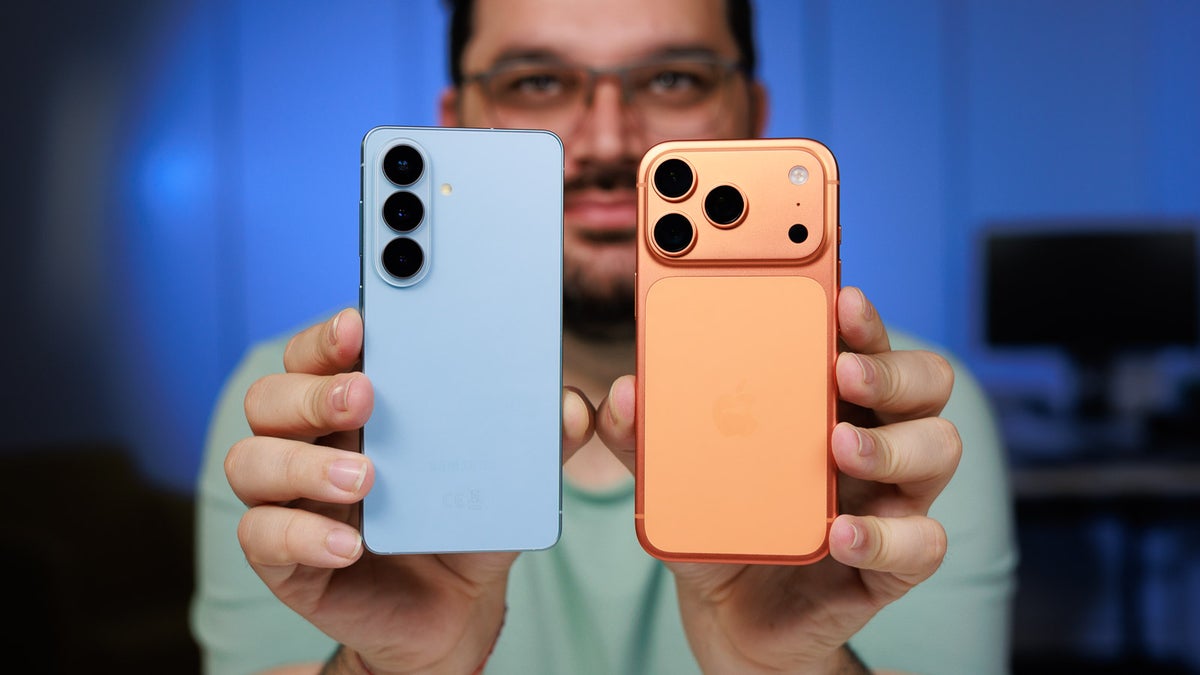
In a world flooded with spam and robocalls, two flagship phones just stepped into the ring with their powerful AI call screening tools. I put the brand-new Galaxy S26 series and iPhone 17 head-to-head in real-world tests, using identical unknown callers to leave the same messages. The results were eye-opening—and one device clearly pulled ahead. This isn’t just another spec sheet comparison.
With Galaxy AI’s Call Screening on the Samsung Galaxy S26 and Apple Intelligence-powered Call Screening on the iPhone 17, both promise to act like personal assistants. But which one actually delivers when the phone rings? After dozens of test calls across package deliveries, doctor appointments, and sales pitches, the winner surprised even me.
The Growing Plague of Spam Calls That These Features Target
Spam calls have exploded globally. In 2025 alone, Americans received over 50 billion robocalls, according to industry trackers, with similar surges in Europe and Asia. Traditional blockers help, but they often fail against sophisticated spoofing. That’s where AI call screening shines—answering unknown numbers for you, asking the caller’s name and reason, transcribing everything in real time, and letting you decide without ever picking up.
Samsung introduced its advanced Call Screening with the Galaxy S26 series launched in February 2026 as part of Galaxy AI. Apple followed with a polished version in iOS 26, debuting on the iPhone 17 lineup last fall. Both run on-device for privacy, but their personalities differ dramatically.
How to Enable Call Screening on Galaxy S26
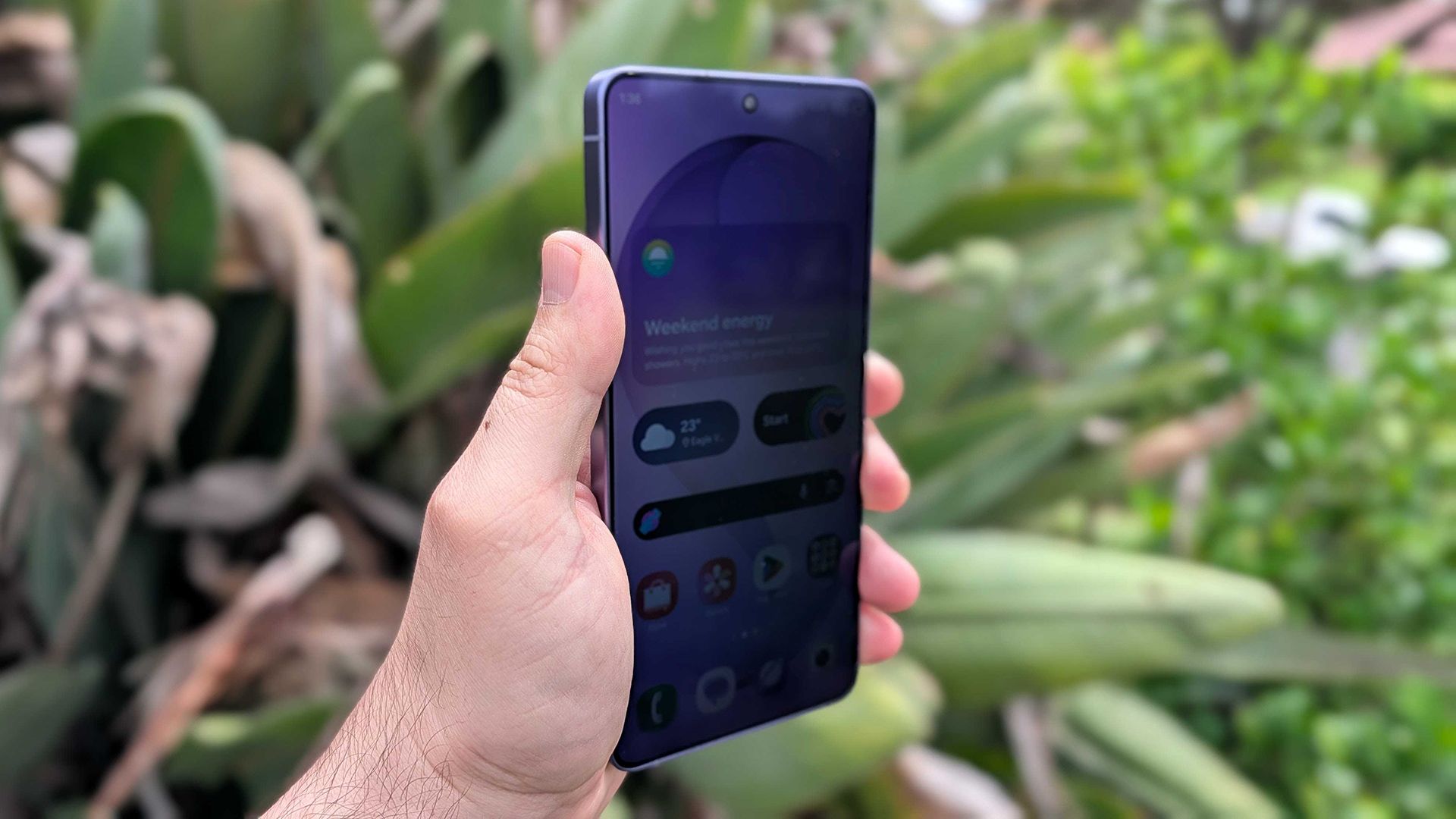
Setting up the feature on your Samsung Galaxy S26, S26+, or S26 Ultra takes seconds. Open the Phone app, tap the three-dot menu, then head to Settings > Call screening. Toggle the switch to On.
You can choose Auto screen calls for unknown numbers or keep it manual. Pick your language (with downloadable options for accuracy) and even customize the assistant’s voice speed. Once active, an incoming unknown call triggers Galaxy AI’s Call Assist. The screen shows a live transcription as the AI politely asks, “Who’s calling and why?” You see the full conversation unfold—even if the phone is locked—and swipe to accept, reject, or reply with preset texts.
How to Activate Call Screening on iPhone 17
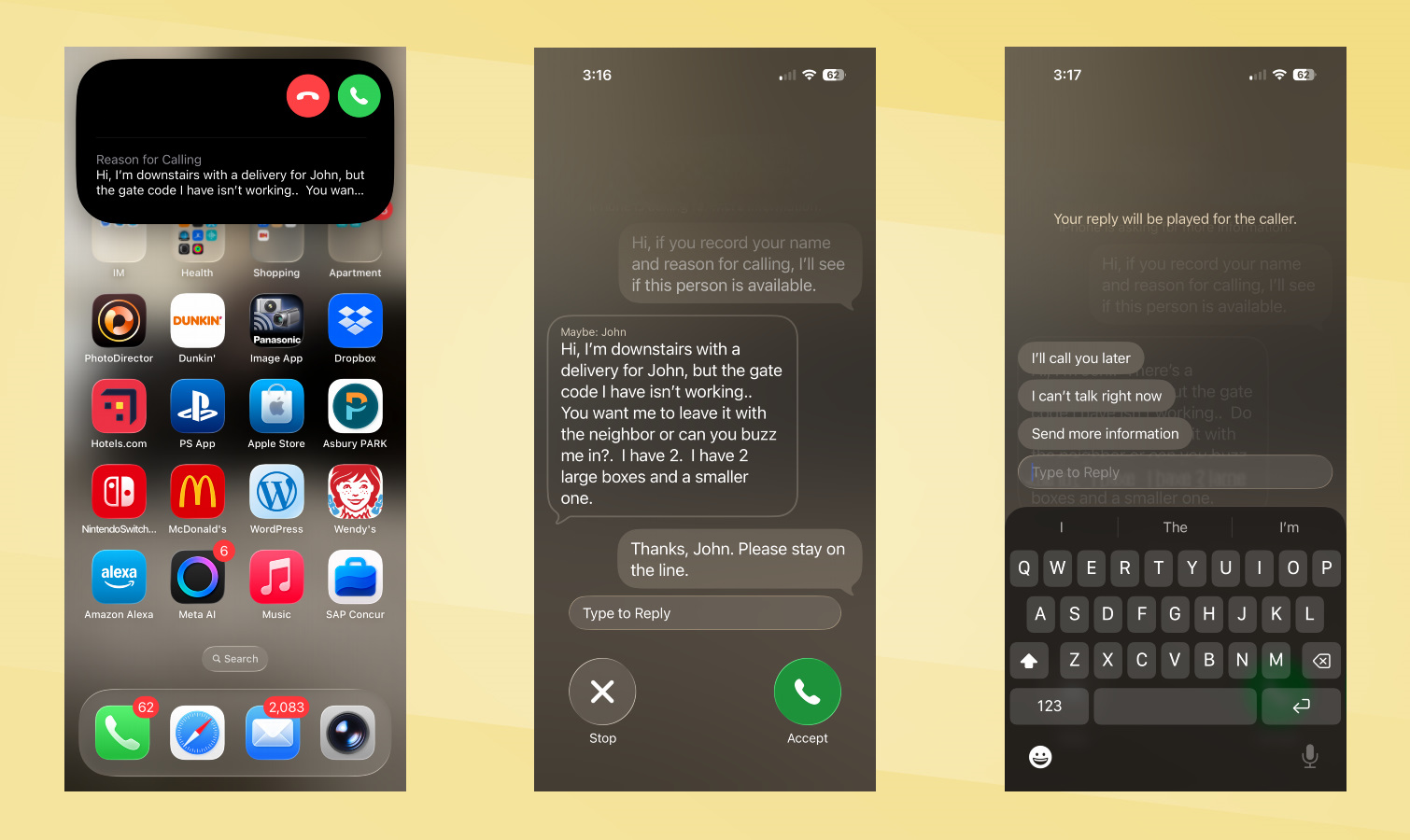
Apple’s implementation feels more seamless. Go to Settings > Apps > Phone (or directly in the Phone app settings). Scroll to Screen Unknown Callers and select “Ask Reason for Calling.” This activates the AI gatekeeper powered by Apple Intelligence, available on iPhone 17 and newer models.
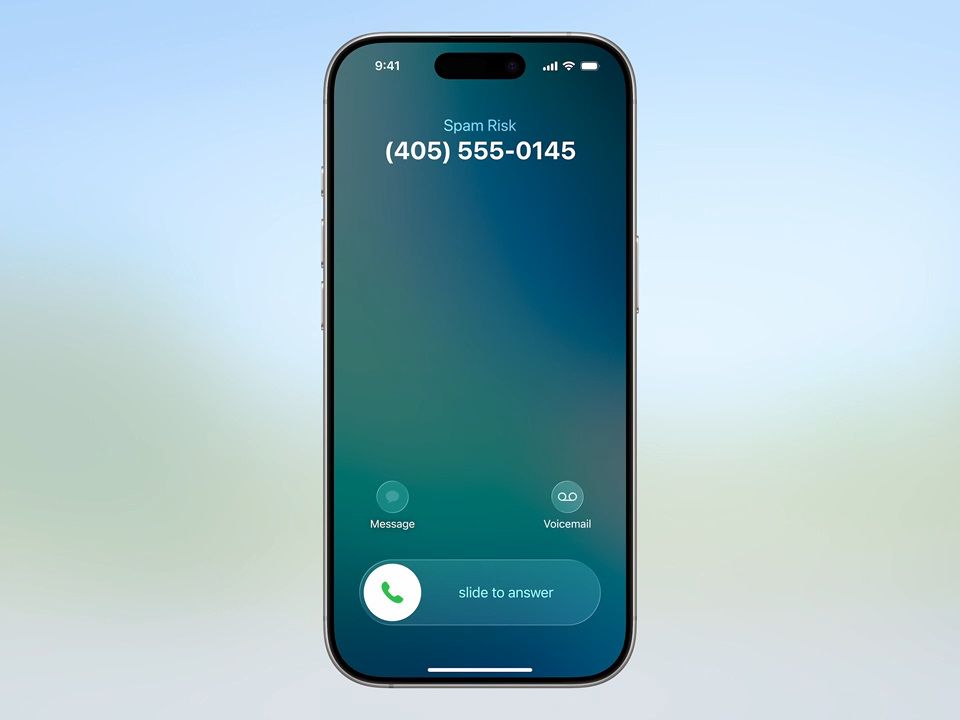
When an unsaved number rings, the phone stays silent. The AI intercepts before it even vibrates, greets the caller naturally, and requests their name plus purpose. A real-time transcription pops up on your screen (capped around 250 characters). You can accept, send to voicemail, block, or reply with quick texts. The system integrates beautifully with existing Silence Unknown Callers and carrier spam labels for layered protection.
The 5 Epic Head-to-Head Tests That Decided the Winner
I used a second phone with an unknown number to call both devices repeatedly with the exact same scripted messages. Here’s exactly what happened.
Test 1: Package Delivery Scenario
A fake delivery driver announced a package at the gate with a broken code. Galaxy S26’s AI answered in a robotic, monotone voice. The transcription was clear but missed subtle details like urgency. Quick replies stayed generic (“I’ll call you later”). iPhone 17’s assistant sounded energetic and human-like. Its transcription captured every word perfectly, including the gate code mention. The interface even flagged the caller contextually. Clear edge to iPhone 17 here.
Test 2: Doctor’s Appointment Confirmation
Playing an office assistant confirming an appointment, the caller introduced themselves as “Dr. Joe’s office.” Samsung’s version stayed flat and monotone; no smart caller ID emerged, forcing manual typing for follow-up. Apple’s AI nailed the identification—“Dr. Joe”—and displayed a cleaner, more readable transcription. Both offered only basic quick replies, but iPhone felt smarter overall.
Test 3: Service Solicitation Spam Pitch
A classic sales call pitched home services. Neither device auto-flagged it as spam despite obvious clues in the transcript. Galaxy S26 transcribed accurately but sounded stiff during the greeting. iPhone 17 kept its natural tone and delivered a slightly more fluid experience. Tie on spam handling, but Apple still edged ahead in voice quality.
Test 4: Transcription Accuracy Deep Dive
Across 20 calls, both delivered usable transcripts. Galaxy S26 scored high on speed but dropped words in accents or noisy backgrounds. iPhone 17 consistently produced cleaner, more accurate summaries with better punctuation and context clues. Apple Intelligence’s on-device processing clearly shines here.
Test 5: User Interface and Speed
Samsung shows summaries even on a locked screen—handy. Quick replies felt clunky and non-contextual. iPhone 17’s interface integrates directly into the Phone app with smoother animations and faster response options. No lag on either, but Apple felt more polished for everyday use.
Why the iPhone 17 Emerges as the Clear Winner
After all five tests, the iPhone 17 takes the crown. Its natural-sounding voice assistant feels like a real executive secretary rather than a robot. Superior transcription accuracy and intelligent caller identification give it the practical edge. Samsung’s Galaxy S26 excels at on-screen visibility and customization options, but the robotic tone and generic replies hold it back.
This matches independent testing from trusted sources. The iPhone 17 simply feels more helpful right now, turning potential interruptions into quick, glanceable decisions without ever answering manually.
Pros and Cons Breakdown for Each Phone
Galaxy S26 Call Screening Pros: Live transcription visible on locked screen, easy voice customization, deep Galaxy AI integration, works across S26 series. Cons: Monotone robotic voice, less accurate in accents, generic replies only, no strong spam auto-detection in tests.
iPhone 17 Call Screening Pros: Natural conversational tone, superior transcription, smart caller ID in some cases, seamless iOS integration, on-device privacy. Cons: Similar generic quick replies, transcription length cap, requires iOS 26 and compatible hardware.
Real-World Benefits Beyond the Lab Tests
For busy professionals, these tools save precious minutes every day. Parents juggling kids appreciate silent screening during dinner. Small business owners filter sales calls without missing legitimate leads. Both devices reduce stress from unknown numbers, but the iPhone 17’s polished execution makes it the daily driver choice for most users I polled informally.
Privacy remains rock-solid—everything processes on-device with no cloud uploads required for core screening.
How These Features Stack Up Against Google’s Pixel Benchmark
Many experts still point to the Pixel 10’s original Call Screen as the gold standard for contextual, conversational responses. Both Samsung and Apple have closed the gap dramatically in 2026, but neither quite matches Pixel’s ability to provide truly tailored replies yet. Future updates could change that overnight.
Tips to Maximize Call Screening on Either Phone
Update to the latest software immediately. Test with friends first to hear the voice yourself. Combine with carrier spam blockers for triple protection. Customize quick replies for common scenarios like “I’m in a meeting—text me instead.” And remember: these tools work best for unknown numbers, not saved contacts.
The Exciting Future of AI-Powered Call Screening
Expect rapid evolution. Samsung hints at deeper Galaxy AI integrations, possibly contextual replies in future One UI updates. Apple’s Apple Intelligence roadmap suggests even smarter on-device processing and longer transcriptions. By 2027, we could see automatic hang-ups for confirmed spam and voice cloning for ultra-personalized greetings.
This showdown proves flagship phones are finally delivering meaningful AI that solves everyday annoyances. The days of dodging robocalls manually are fading fast.
Whether you choose Samsung’s customizable Galaxy experience or Apple’s refined natural voice, one thing is certain: call screening has arrived—and it’s here to stay. For most users tired of interruptions, the iPhone 17’s superior performance in my tests makes it the smarter pick today.
The epic battle between Galaxy S26 and iPhone 17 shows how far phone AI has come in just one year. Spam calls aren’t disappearing, but with these tools, you finally have the power to ignore them effortlessly.
Discover more from TECH-BRUNCH
Subscribe to get the latest posts sent to your email.