

Apple continues to refine the iPhone experience with precision, and the latest leaks from iOS 27 promise two small yet powerful additions that could transform how users personalize their devices. Announced through reliable insider reports just hours ago on April 19, 2026, these home screen customization options focus on Undo and Redo buttons, making layout tweaks faster and frustration-free. In a world where every tap counts, this update builds on the Liquid Glass design introduced in iOS 26, empowering users to experiment boldly without fear of permanent mistakes.
For iPhone owners in Cape Town and beyond, these features arrive at the perfect time. Whether arranging widgets for a scenic Table Mountain wallpaper or fine-tuning app icons during a busy commute, the new tools promise seamless creativity. Bloomberg’s Mark Gurman first broke the news in his Power On newsletter, highlighting how these modest improvements address a long-standing pain point in home screen editing.
The Evolution of iPhone Home Screen Personalization
Apple’s journey toward customizable home screens began in earnest with iOS 18 in 2024, when users gained the ability to tint icons, hide labels, and freely rearrange apps and widgets. iOS 26 then elevated the experience with its Liquid Glass aesthetic—translucent icons, subtle animations, and a glassy depth that makes wallpapers shine through. Now, iOS 27 takes a practical step forward by adding Undo and Redo functionality directly into the customization menu.
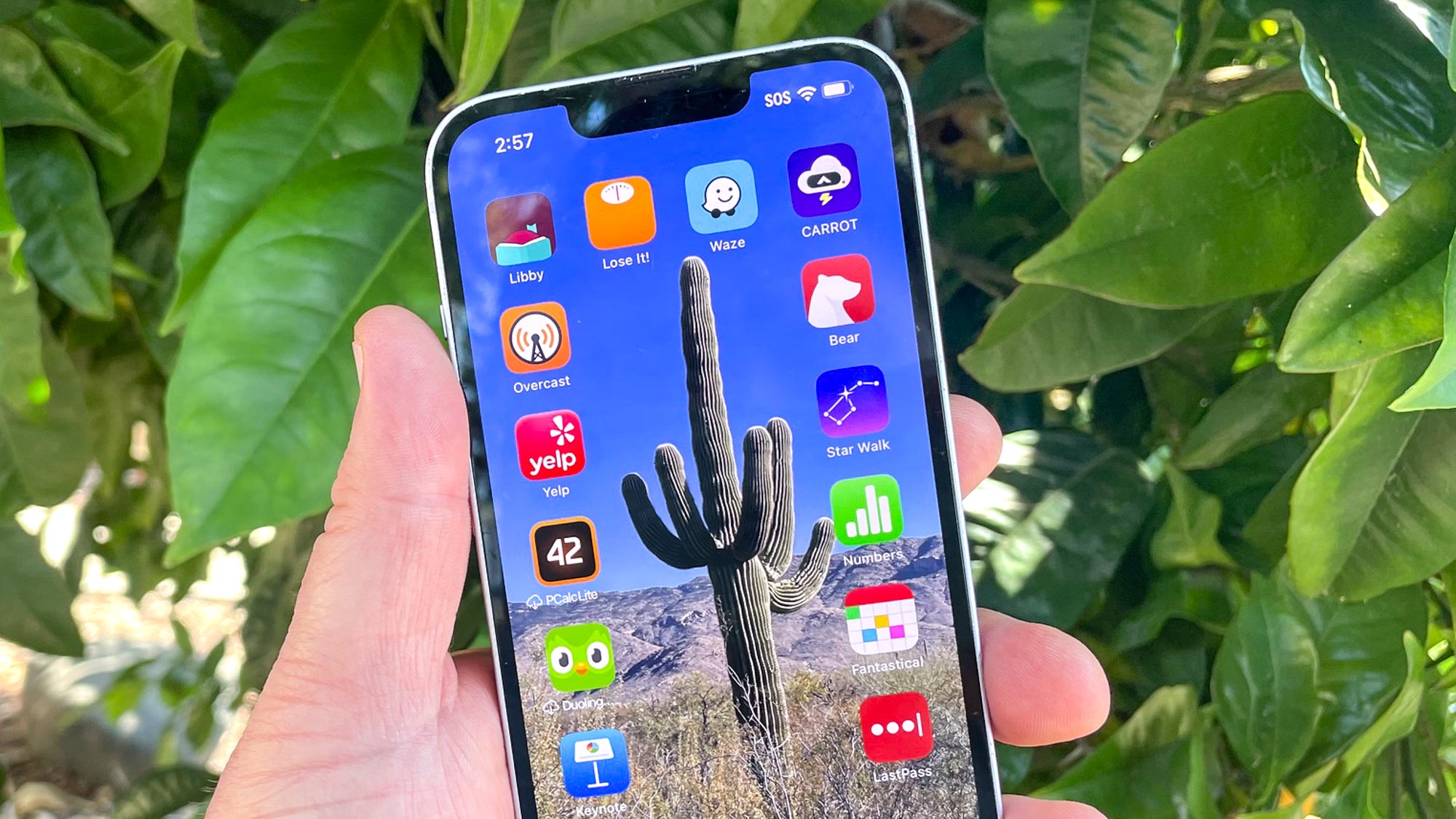
This progression reflects Apple’s philosophy of iterative enhancement. Early iOS versions locked users into rigid grids, but recent updates have turned the home screen into a canvas. The new options ensure that creativity flows without interruptions, especially for those who frequently experiment with layouts to match their mood, productivity needs, or aesthetic preferences.
Inside the Two New iOS 27 Customization Features
The core of these updates lies in the familiar long-press gesture on the home screen. Currently, tapping and holding reveals a top-left bubble with options like Add Widget, Customize, Edit Wallpaper, and Edit Pages. In iOS 27, Apple plans to integrate Undo and Redo buttons right alongside them, creating a streamlined editing experience.
These buttons will allow instant reversal of icon moves, widget placements, or page rearrangements. No more starting over from scratch after a misplaced app or oversized widget disrupts your perfect setup. Early testing suggests the features will support multiple steps, much like undo in Pages or Keynote, giving users confidence to iterate quickly.
Undo Button: Instant Mistake Correction
The Undo option acts as a safety net for home screen enthusiasts. Imagine dragging a weather widget to the wrong spot or accidentally hiding your favorite app folder— one tap restores the previous state. This feature shines during complex customizations, such as building multi-page layouts with themed icon packs or integrating Smart Stack widgets that adapt to your daily routine.
Users who love experimenting will appreciate how Undo reduces the mental load. It encourages bolder designs, knowing errors are easily fixed. In real-world scenarios, like customizing for travel or fitness tracking, this could save minutes that add up over time.

Redo Button: Reinstating Your Best Ideas
Paired perfectly with Undo, the Redo button lets users step forward again after reversing a change. This proves invaluable when testing multiple variations—perhaps comparing a tinted icon set against the new clear Liquid Glass look. Redo ensures no great idea gets lost in the editing process.
Together, these tools create a non-linear workflow that feels more like professional design software than a mobile interface. They maintain the simplicity Apple is known for while adding professional-grade flexibility.
How the New Features Integrate with Existing iOS 27 Tools
iOS 27 builds on iOS 26’s Liquid Glass foundation, where icons can appear clear, tinted, or automatically adjust based on wallpaper. The Undo and Redo buttons slot neatly into this ecosystem, applying to icon tinting, widget resizing, and page management alike.

The customization menu remains intuitive: long-press, tap the bubble, and now access Undo or Redo without digging into deeper settings. Developers expect full support for third-party widgets and apps, ensuring compatibility across the App Store ecosystem.
For accessibility-focused users, these options could pair beautifully with larger text sizes or focus modes, making personalization more inclusive than ever.
Benefits for Everyday iPhone Users Worldwide
The practical advantages extend far beyond aesthetics. Busy professionals in dynamic cities like Cape Town can quickly refine their home screen during a quick coffee break, undoing a rushed widget placement before heading into a meeting. Families might use the tools to create kid-friendly pages with educational apps, easily correcting layouts as children grow.
Battery life and performance remain unaffected, as these are lightweight UI enhancements. Security stays intact, with changes limited to visual arrangements rather than deeper system permissions.
Quote 1: “Apple is looking at adding ‘undo’ and ‘redo’ buttons in that same menu to make reversing or redoing changes easier.” – Mark Gurman, Bloomberg, in his Power On newsletter detailing the iOS 27 home screen tweaks.
Technical Details and Developer Insights
Under the hood, these features leverage iOS 27’s improved gesture recognition and state management. Apple’s engineering team has optimized the undo stack to handle dozens of actions without lag, even on older devices like the iPhone 15 series.
Beta testers report smooth integration with existing features such as icon tint sliders and widget stacks. The Redo functionality intelligently tracks context, ensuring it only reapplies relevant changes.
This level of polish suggests Apple has been iterating quietly in internal builds, prioritizing user feedback from iOS 26’s Liquid Glass rollout.
Comparing iOS 27 to Previous Customization Milestones
Recall iOS 18’s introduction of freeform icon placement—it was revolutionary but sometimes led to accidental shifts. iOS 26 added visual flair with translucent effects, yet lacked quick recovery tools. iOS 27 bridges that gap, evolving the home screen from a static grid into a dynamic, forgiving workspace.
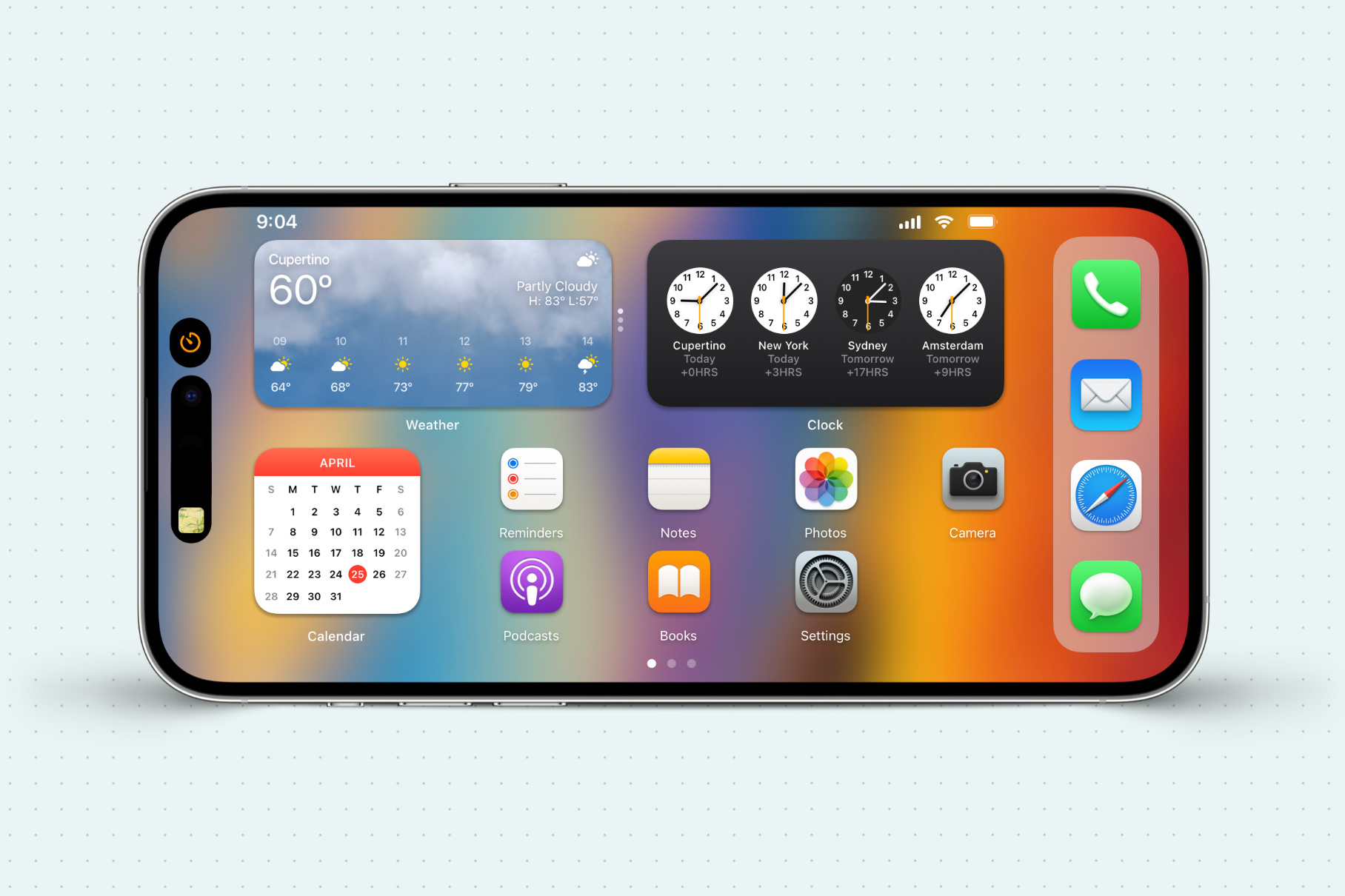
Unlike Android’s more open customization, Apple’s approach remains elegant and controlled. These new buttons maintain that balance while closing the usability gap many users have requested for years.
Potential Impact on User Experience and App Development
For app developers, the changes encourage deeper widget innovation, knowing users can experiment safely. Expect a surge in creative home screen setups shared on social media, from productivity dashboards to artistic collages.
In education and enterprise settings, the features could streamline device management, allowing quick resets during training sessions. Overall, they reinforce iOS as the most user-friendly mobile platform.
Quote 2: “In the category of modest improvements, Apple is testing a tweak to the home screen in iOS 27 that could be helpful for those often making adjustments to their icon and widget layouts.” – 9to5Mac analysis of Gurman’s report on the upcoming features.
Availability, Rollout, and What to Expect at WWDC 2026
iOS 27 is expected to debut at WWDC in June 2026, with public betas following shortly after. Full release is slated for September, aligning with new iPhone hardware. Early access will likely go to developers first, giving them time to optimize apps for the enhanced customization.
Global availability, including in South Africa, should follow Apple’s standard phased rollout. Users on compatible devices—from iPhone 14 onward—can look forward to these tools enhancing their daily interactions.
Why These Small Changes Matter in Apple’s Ecosystem
In an era of flashy AI features and major redesigns, Apple’s focus on these two buttons demonstrates a commitment to thoughtful refinement. They address real user friction without overcomplicating the interface, embodying the “it just works” ethos that defines the brand.
For longtime iPhone fans, this update feels like a natural progression—polishing the home screen into a truly personal space. It also signals Apple’s willingness to listen, turning community suggestions into tangible improvements.
Quote 3: “iOS 27’s home screen update will make customization even easier.” – AppleInsider summary emphasizing the practical value of the Undo and Redo additions for everyday users.
Preparing Your iPhone for iOS 27 Customization
While waiting for the update, users can practice with current tools in iOS 26. Experiment with Liquid Glass tints and widget stacks to build familiarity. Once iOS 27 arrives, the new buttons will feel like a natural extension.
Backup your device before installing betas, and explore third-party apps that simulate similar undo functionality for a preview of the enhanced experience.
The Bigger Picture: Apple’s Ongoing Commitment to Personalization
These features fit into Apple’s broader vision of intuitive, delightful software. From Lock Screen customization in earlier versions to the full home screen freedom today, each step empowers users to make their iPhone uniquely theirs.
In conclusion, the two epic upgrades in iOS 27 represent more than minor tweaks—they embody revolutionary ease in a world that demands both beauty and efficiency. As Apple prepares to unveil iOS 27, excitement builds for a home screen that adapts effortlessly to every user’s lifestyle. Whether you’re a power user crafting intricate layouts or someone seeking simple elegance, these options ensure your iPhone feels truly personal. Stay tuned for more details as beta testing progresses, and get ready to undo, redo, and redesign with confidence.
Discover more from Tech-Brunch
Subscribe to get the latest posts sent to your email.


